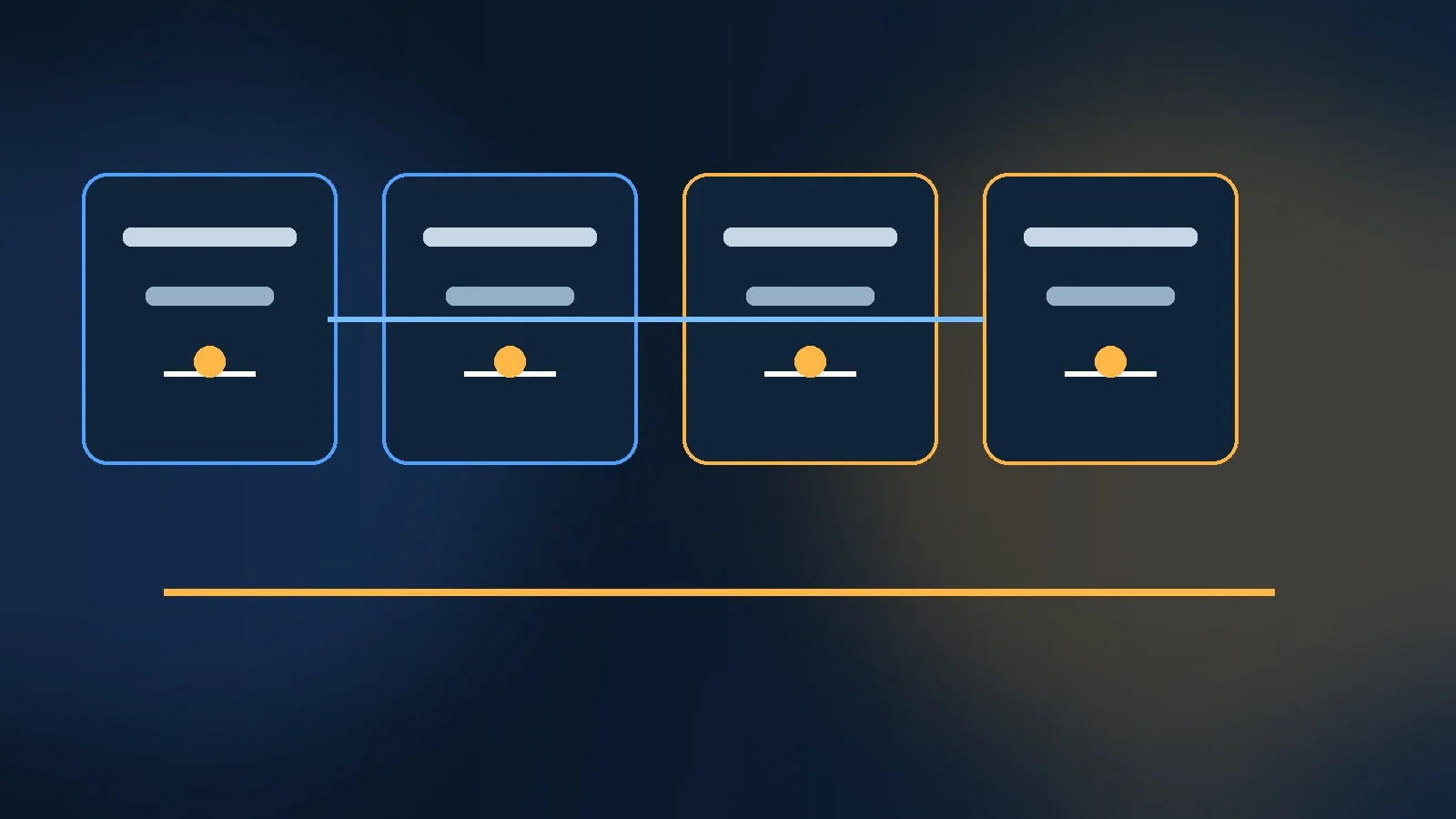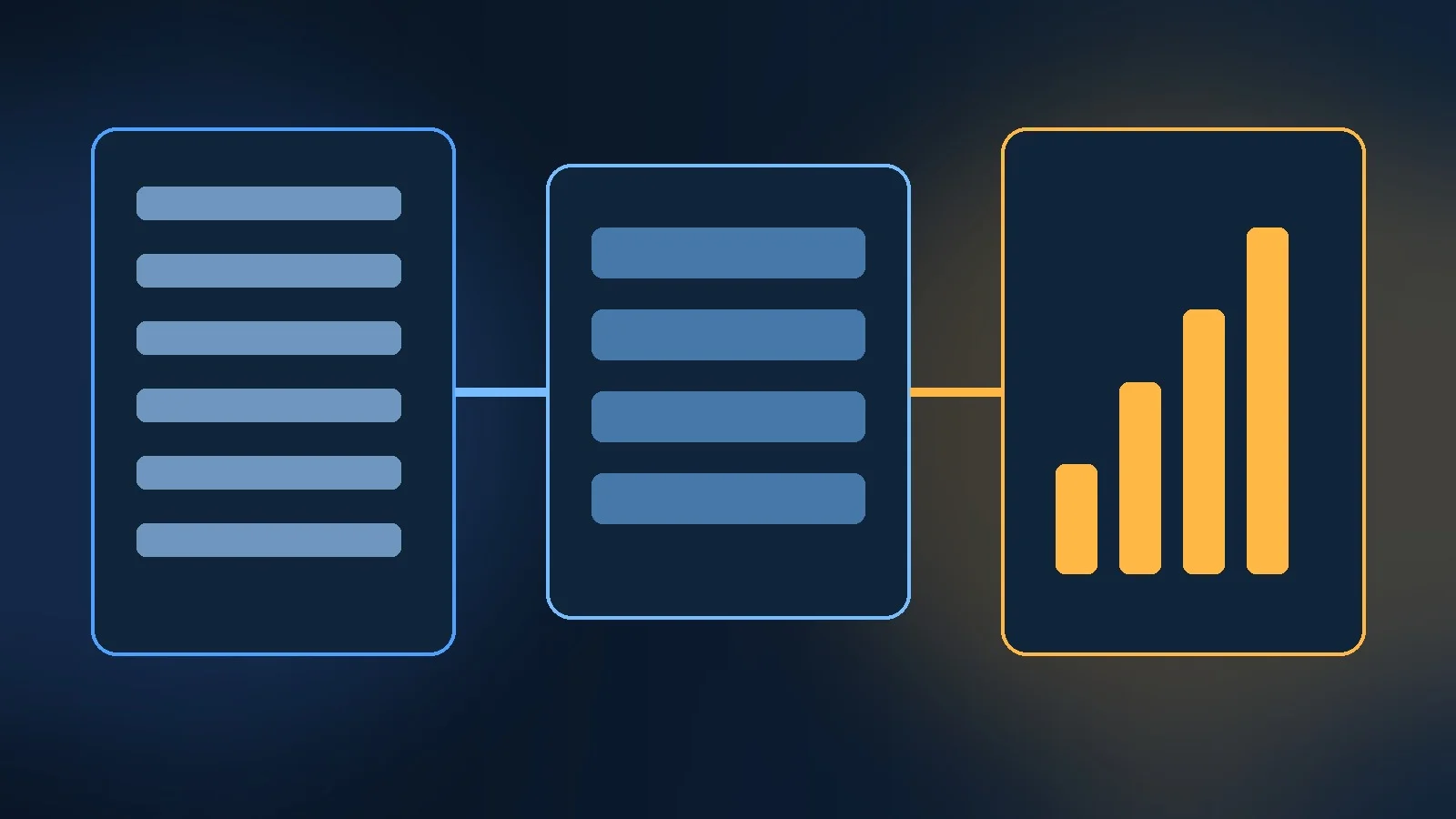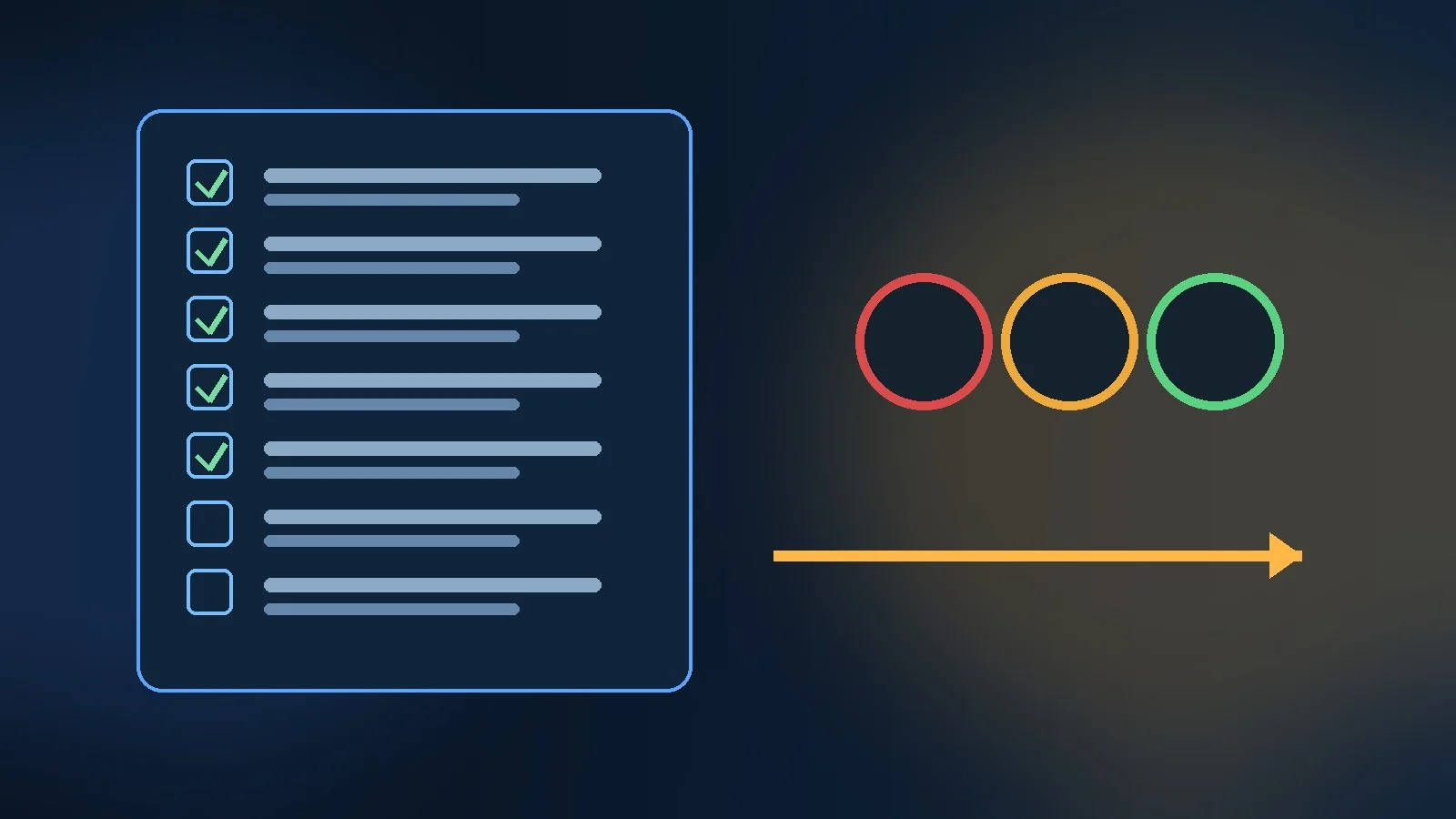
A campaign should not start because the creative files are ready.
It should start when the business can answer a more important question:
Is the complete system ready to receive traffic, measure outcomes, respond to customers and recover safely if something breaks?
That is the purpose of a launch checklist.
The Campaign Launch Checklist included with this article contains 33 checks across strategy, measurement, creative, landing experience, audiences, budget, lifecycle, operations, compliance, QA and post-launch monitoring.
It is designed to be used as a pre-flight operating document, not a ceremonial approval sheet.
Why campaigns fail at the seams
Many launch problems happen between teams.
Examples:
- media launches before CRM routing is ready;
- creative uses an offer that the landing page does not explain;
- conversion tracking fires twice;
- the correct event fires but never reaches the advertising platform;
- the audience includes existing customers who should have been suppressed;
- the campaign generates leads but no follow-up workflow exists;
- budget is correct in the plan and wrong in the platform;
- a campaign performs well but nobody scheduled the first review.
Each component can look “done” in isolation.
The system is still not launch-ready.
A checklist makes the dependencies visible.
Strategy checks
Before launch, verify three basics.
Business outcome
What should the campaign change?
Examples:
- new-customer revenue;
- qualified pipeline;
- trial activation;
- repeat purchase.
Primary audience
Who is the campaign for?
The targeting configuration, message and landing page should all reflect the same audience definition.
Offer and value proposition
What is being promised?
If the ad says “reduce reporting time” and the landing page says “complete analytics platform,” the campaign has message discontinuity.
The checklist therefore treats strategy as a launch dependency.
Measurement checks
Tracking should be tested before budget is released.
At minimum, validate:
- primary conversion;
- guardrail metrics;
- campaign naming;
- UTM structure;
- conversion tags;
- CRM or revenue feedback where relevant.
Google Ads distinguishes between attributed ROAS and incremental ROAS. Standard ROAS uses attributed conversion value divided by spend, while incremental ROAS is designed around lift measurement and uses incremental conversion value relative to spend.
That distinction shows why campaign measurement architecture matters.
A platform can report a conversion. That does not automatically prove the conversion was caused by the campaign.
The checklist does not attempt to solve attribution at launch. It ensures the data required for later analysis is actually present.
Creative checks
Creative readiness includes more than having an image.
Validate:
- required dimensions;
- copy variants;
- mobile crops;
- landing-page continuity;
- factual claims;
- proof points;
- price;
- dates;
- licensing.
Every asset should be associated with a clear concept.
For example:
Concept: reduce manual reporting.
Hook A: hours lost every week.
Hook B: one source of truth.
Visual A: fragmented spreadsheets.
Visual B: consolidated dashboard.
This makes creative performance interpretable.
If files are named `final-final-v7.jpg`, the team may know which file won without knowing which idea won.
Landing-page checks
The landing page is part of the campaign.
Test:
- mobile rendering;
- load performance;
- form completion;
- checkout;
- confirmation state;
- redirects;
- analytics events;
- error states.
The landing experience should answer:
- What is this?
- Why is it relevant?
- What proof exists?
- What action should happen next?
A paid-media team should never discover after launch that the CTA is broken on mobile.
Audience checks
Targeting failures can spend money very quickly.
Review:
- geography;
- language;
- age or professional filters where appropriate;
- exclusions;
- customer suppression;
- retargeting eligibility;
- prospecting vs. retention logic.
For acquisition campaigns, existing-customer suppression can be economically important.
For retention campaigns, the inverse is true.
The checklist forces the team to identify which population the campaign should not reach.
Budget and bidding checks
Confirm:
- total budget;
- daily budget;
- campaign allocation;
- bid strategy;
- conversion volume;
- target settings.
Google Ads Target ROAS uses conversion value signals to optimize bids toward an average ROAS target. If the conversion signal is weak, incorrectly valued or too sparse, the bidding system is optimizing against weak input.
Budget strategy and measurement cannot be separated.
Do not use an advanced automated bidding strategy simply because the interface offers it.
The account needs enough reliable signal for the strategy to make sense.
Lifecycle checks
A conversion should not fall into a dead end.
If the campaign generates a lead:
- who receives it?
- how quickly?
- what context is passed?
- what happens if sales rejects it?
If the campaign creates a trial:
- what onboarding begins?
- what defines activation?
- what stops the sequence?
If the campaign creates a customer:
- what confirmation is sent?
- what post-purchase journey begins?
Campaign design extends past the landing page.
Operations checks
Every campaign needs an owner.
It also needs a rollback owner.
Define:
- launch owner;
- measurement owner;
- creative owner;
- CRM/lifecycle owner;
- incident contact.
Then define the monitoring schedule.
At minimum:
First hour
Check:
- spend;
- delivery;
- broken URLs;
- conversion events.
First 24 hours
Check:
- traffic quality;
- gross anomalies;
- audience leakage;
- duplicate conversions.
72 hours
Check:
- conversion quality;
- downstream CRM data;
- creative behavior;
- early marginal efficiency.
The exact cadence depends on volume.
The principle is to schedule review before launch rather than wait until somebody remembers.
Compliance checks
Campaign teams often treat compliance as something legal handles separately.
That creates late surprises.
Review before launch:
- consent;
- privacy requirements;
- claims;
- disclosures;
- licenses;
- trademarks;
- platform policy.
This is especially important for:
- financial services;
- health;
- regulated products;
- endorsements;
- affiliate relationships.
A launch checklist cannot replace legal review.
It can ensure legal review is not accidentally skipped.
QA checks
Basic mistakes remain expensive.
Check:
- URLs;
- spelling;
- prices;
- promotion dates;
- coupon codes;
- mobile layout;
- forms;
- thank-you page;
- CRM record;
- conversion receipt.
The strongest test is end-to-end.
Create a real test conversion.
Then verify the event appears where it is supposed to appear:
- analytics;
- CRM;
- ad platform;
- email automation;
- warehouse if relevant.
A tag firing in the browser is not enough.
The go / no-go rule
The downloadable checklist includes a Readiness sheet.
It summarizes:
- Ready;
- In Progress;
- Blocked;
- Not Started;
- N/A.
A simple rule:
Blocked = no-go.
This is intentionally strict.
Teams often launch with known blockers because the media date feels immovable.
Sometimes that is justified.
If so, it should be an explicit risk acceptance, not an accidental omission.
Use the checklist by campaign type
Paid acquisition
Prioritize:
- conversion tracking;
- audience;
- budget;
- landing page;
- CRM feedback.
Lifecycle
Prioritize:
- eligibility;
- consent;
- frequency;
- suppression;
- exit conditions.
Content launch
Prioritize:
- technical SEO;
- internal links;
- distribution;
- analytics;
- update ownership.
Partner / affiliate
Prioritize:
- links;
- tracking;
- commission logic;
- disclosures;
- landing consistency.
The same framework can support multiple campaign types.
Not every check applies to every launch.
Use N/A deliberately.
Post-launch checks belong in the launch checklist
Launch readiness should include what happens after launch.
The workbook includes:
- 24-hour anomaly review;
- 72-hour quality review;
- learning log.
This closes the loop.
Without a learning record, teams repeat the same mistakes.
Capture:
- what launched;
- what changed;
- what broke;
- what surprised the team;
- what should be tested next.
How to use the downloadable checklist
Each row includes:
- area;
- check;
- why it matters;
- owner;
- status;
- evidence / link;
- due date;
- notes.
The evidence column is important.
Instead of marking “tracking tested,” link to:
- test transaction;
- dashboard;
- QA ticket;
- screenshot;
- platform configuration.
This makes readiness auditable.
Launch checklist principles
The checklist is built around five principles:
1. Readiness is cross-functional
Media alone cannot certify a campaign.
2. Measurement is pre-launch work
Do not debug core tracking after spend begins.
3. Downstream quality matters
A lead is not valuable simply because the form submitted.
4. Every risk needs an owner
Unowned risk becomes invisible risk.
5. Post-launch monitoring is part of launch
Execution continues after the button is pressed.
The goal is not to create bureaucracy.
It is to eliminate avoidable launch failures.
Download the Campaign Launch Checklist
A good checklist reduces cognitive load so the team can focus on the decisions that genuinely require judgment.