
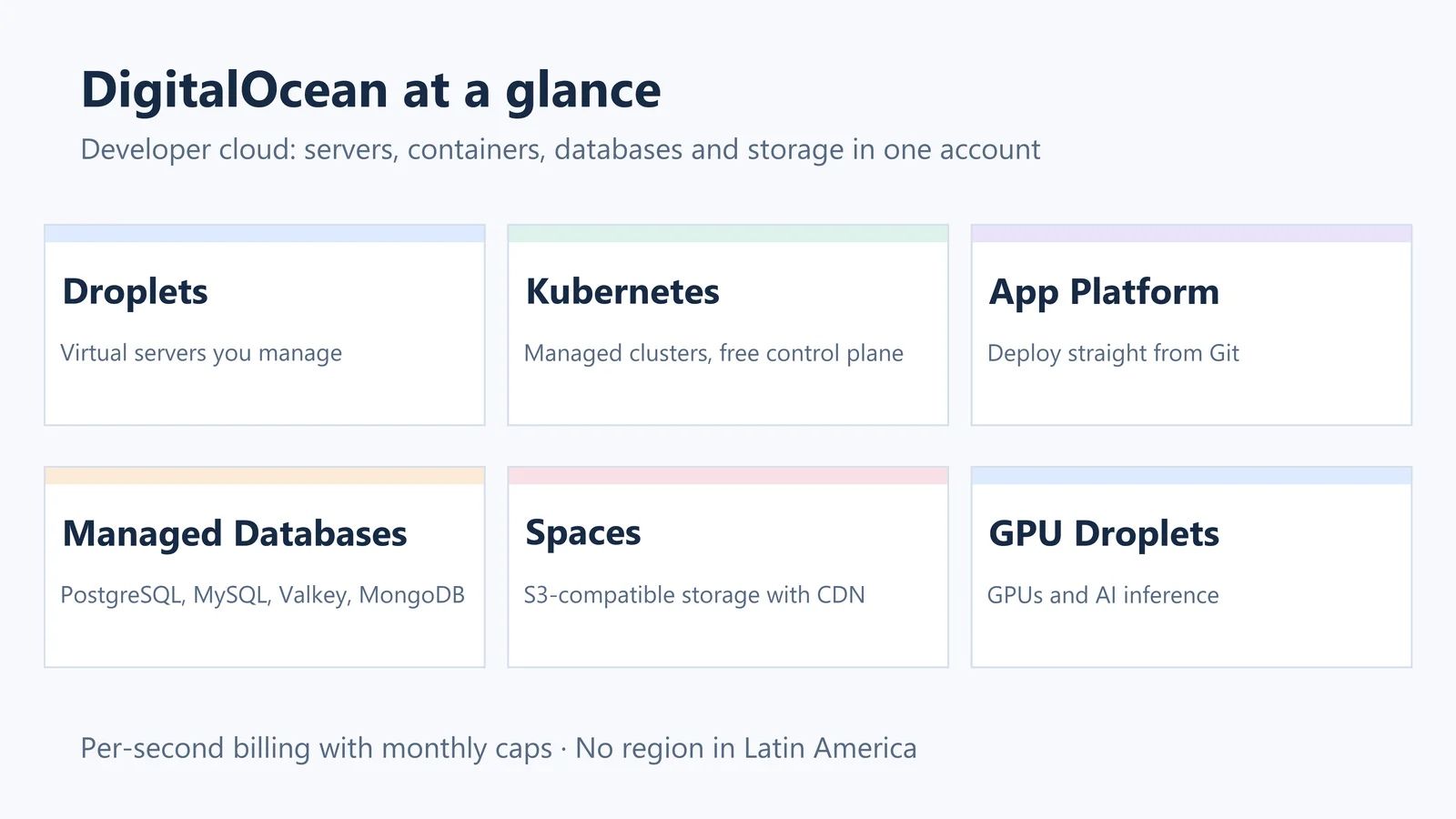
DigitalOcean is a US cloud provider that now calls itself an “AI-Native Cloud”. Its core remains infrastructure that a developer or a small team can run alone: virtual servers (Droplets), managed Kubernetes, managed databases, object storage and a platform that deploys apps straight from a Git repository, all in the same panel, CLI and API.
Who it is for
- Developers, startups and agencies that run apps, APIs, sites and databases without a dedicated infrastructure team.
- Projects that need a predictable bill: most resources have a fixed monthly price that also works as a cap.
- Teams moving from shared hosting to their own servers or containers.
When to look elsewhere
- You need data hosted in Latin America: DigitalOcean has no region there (see below).
- You depend on a very wide catalog of managed services or enterprise programs available on AWS, Google Cloud or Azure.
- You only want a WordPress site without administering anything: a Droplet is a server you manage yourself, so a managed host is simpler.
Main products and starting prices
Prices from the official pricing page, checked in October 2026:
- Droplets (virtual servers): from $4/month with 1 vCPU, 512 MiB of RAM, a 10 GiB SSD and 500 GiB of transfer. Families: Basic, General Purpose, CPU-Optimized, Memory-Optimized and Storage-Optimized.
- Kubernetes (DOKS): free control plane, nodes from $12/month and a high-availability control plane for $40/month.
- App Platform: deploys from Git; free for up to 3 static sites, containers from $5/month.
- Managed Databases: PostgreSQL and MySQL from $15.15/month, Valkey from $15/month, MongoDB from $15.23/month, OpenSearch from $19.60/month and Kafka from $148.80/month (three brokers).
- Spaces: S3-compatible object storage with a built-in CDN, $5/month for 250 GiB and 1 TiB of outbound transfer.
- Volumes (block storage) from $10/month and Load Balancers from $12/month.
- GPU Droplets from $0.76 per GPU/hour on demand, and AI inference from $0.05 per million tokens.
How billing works
- Droplets are billed per second since January 1, 2026, with a minimum of 60 seconds or $0.01, and never above the plan’s monthly price.
- Inbound traffic is free. The outbound allowance of each Droplet goes into a pool shared by the whole team, and extra transfer costs $0.01/GiB (documentation).
- New accounts get a free trial credit. The pricing FAQ uses $5 valid for 90 days as an example; the actual amount depends on the offer shown at sign-up.
Regions
There are 16 datacenters in 13 regions: New York, San Francisco, Toronto, Atlanta, Richmond, Kansas City, Memphis, Amsterdam, London, Frankfurt, Bangalore, Singapore and Sydney. None of them is in Latin America; for users in Brazil or Spanish-speaking America, the closest options are on the US East Coast (New York, Atlanta and Richmond).
How to start
- Create an account and a project, then choose the region closest to your users.
- For a server, create a Droplet with an SSH key; for an app without managing servers, connect a GitHub or GitLab repository to App Platform.
- Keep the database out of the application server: a managed database takes care of backups and updates.
- Set a billing alert in the panel before putting anything in production.
Strengths
- Short learning curve, with a clean panel and an extensive library of tutorials.
- Predictable prices, with monthly caps and transfer included in each plan.
- The typical stack of a digital product (servers, database, storage, CDN and Kubernetes) in one account.
Points of attention
- Droplets are unmanaged: operating system updates, firewall and backups are your responsibility.
- Smaller catalog than the large generalist clouds.
- No region in Latin America.