Google Ads Editor is not a faster version of the web interface
The obvious reason to use Google Ads Editor is speed.
It can copy campaigns, replace text, change bids, edit assets, move objects and apply large sets of changes offline before they are posted.
That description is correct and incomplete.
At scale, the real value of Editor is change control.
A media buyer managing one small account can make ten changes manually and remember what happened. An agency managing dozens of accounts, or an ecommerce team preparing thousands of product-related edits, has a different problem: changes need to be grouped, validated, reviewed and deployed without losing the ability to explain what changed.
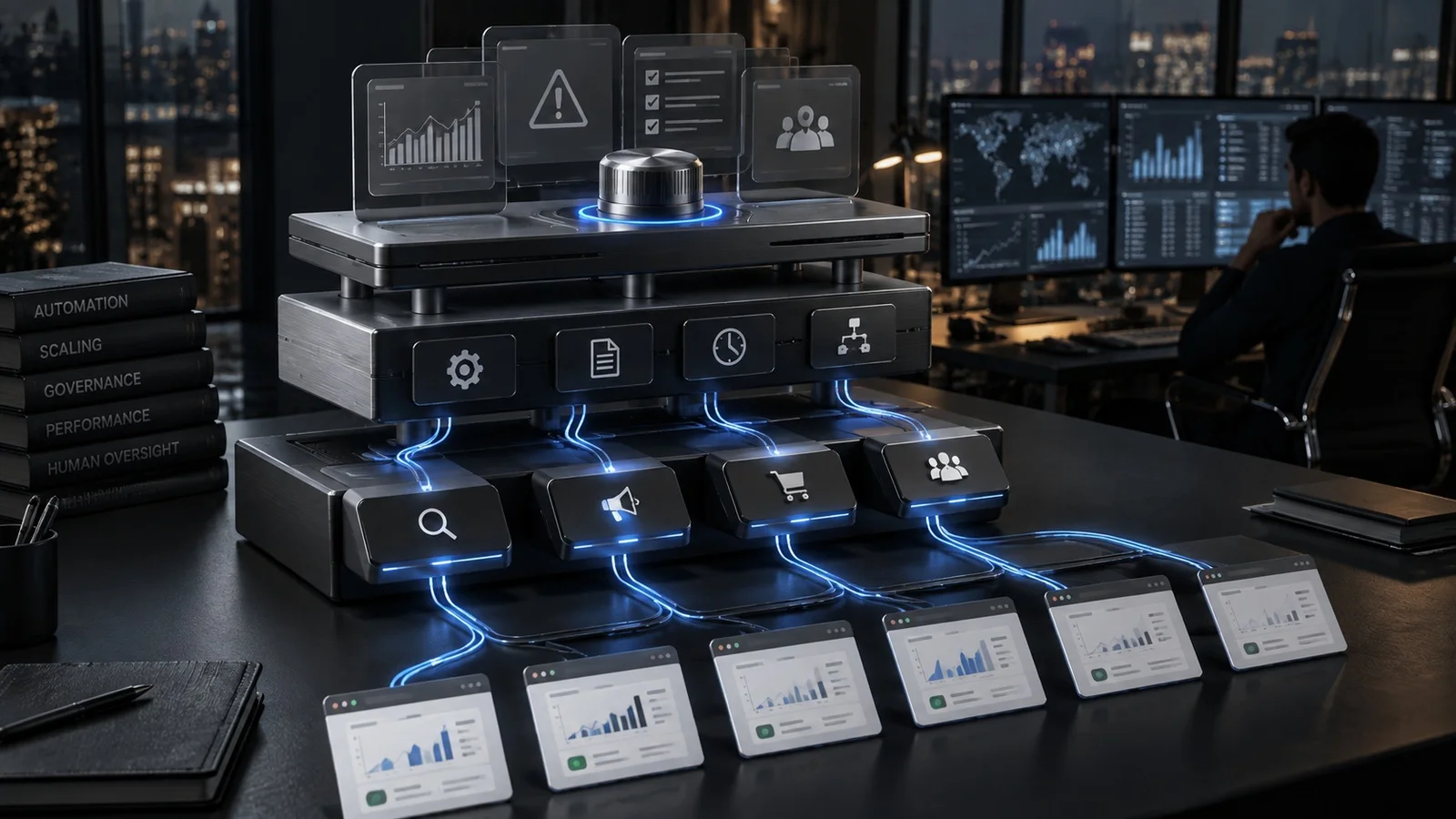
Google Ads Editor becomes operational infrastructure when the team uses it as a staging layer between a decision and production.
That distinction matters because speed without staging simply creates faster mistakes.
Use Editor when the unit of work is a change set
The strongest reason to leave the web interface is not that a task feels repetitive. It is that the work can be defined as a coherent change set.
Examples include:
- restructuring multiple campaigns after a naming-standard change;
- updating location controls across a regional account;
- replacing obsolete assets across many ad groups;
- preparing new Performance Max asset groups;
- applying a shared URL or tracking change;
- duplicating a proven structure into a new market;
- editing budgets or labels across many objects;
- building campaigns from a tabular source.
The operating question should be:
Can this change be expressed, reviewed and approved as a batch?
If yes, Editor is usually more appropriate than a series of manual UI actions.
If not, the web interface may be safer.
A sensitive one-off bidding change, for example, does not become better merely because it can be applied in bulk.
The workflow should have five gates
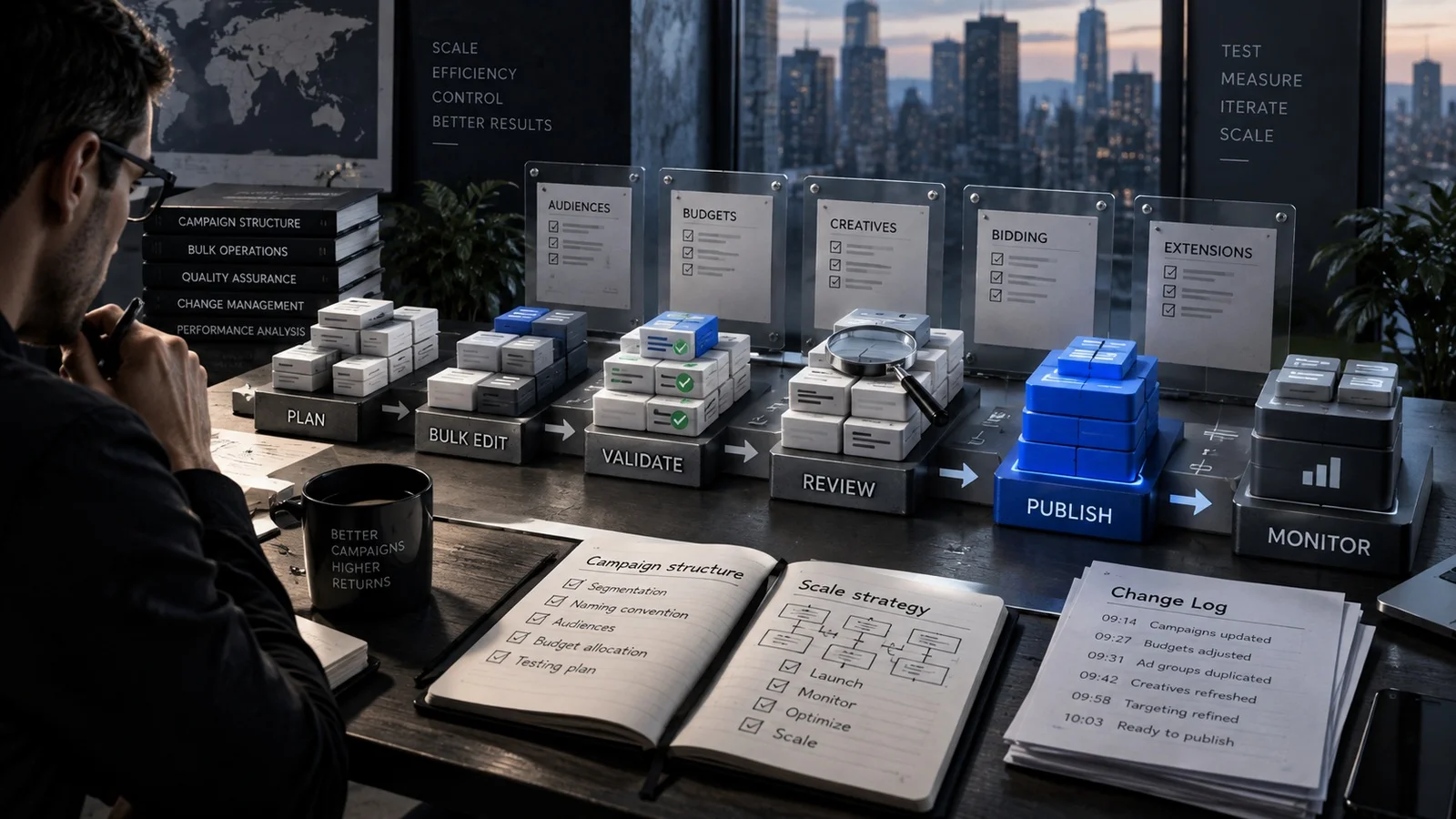
A professional Editor workflow can be organized into five gates.
1. Define. Specify exactly what should change, what should remain untouched and what success looks like.
2. Build. Make the changes offline or import them from a structured source.
3. Validate. Check syntax, destinations, campaign scope, unsupported fields, policy-sensitive assets and accidental blanks.
4. Review. Have the operator or a second reviewer inspect the proposed change set before it reaches the account.
5. Post and monitor. Publish the batch, verify that the account accepted it and monitor the operational consequence.
The important point is that posting is not the end of the workflow.
A technically valid upload can still be strategically wrong.
A budget change can be accepted and still starve a protected campaign. A landing-page replacement can upload cleanly and still send paid traffic to a page that is out of stock. An asset update can pass validation and still remove an important legal qualifier.
Editor validates platform compatibility. The team still has to validate business intent.
Download before you edit
One of the least sophisticated habits creates some of the most sophisticated problems: editing stale local data.
Editor is an offline application. That is useful because it creates a staging environment. It also means the local account state can diverge from production.
Before a meaningful change set, refresh the relevant account data.
This matters most in teams.
Imagine one operator preparing a set of budget changes while another has already updated campaign status and targets in the web interface. If the first operator works from an old local state and posts a broader change set, the account can end up with unexpected conflicts or overwritten assumptions.
The operating rule is simple:
Fresh account state before build; fresh account state again before a high-risk post if the account is actively changing.
The more people touching the account, the more important that rule becomes.
Bulk operations need scope controls
The most dangerous feature in any bulk tool is selection.
A replace operation intended for one campaign can affect fifty. A copied ad group can inherit the wrong location. A tracking-template change can spread to objects that use a different analytics path.
Before any large action, make the scope visible.
Use practical guardrails such as:
- temporary labels;
- explicit campaign filters;
- narrow account selections;
- saved source sheets;
- object counts before and after;
- naming prefixes for staged launches;
- a written expected-change count.
If a spreadsheet says 312 objects should change and Editor shows 1,847 pending edits, stop.
That discrepancy is not a minor QA issue. It is the system telling you the scope definition has failed.
The change count is a control metric
Teams often review creative, bids and budgets but ignore the number of objects being changed.
That number is useful.
If the task is “replace one URL parameter across 90 active Search ads,” then 90 is part of the specification.
If the pending-change count is 89, something is missing.
If it is 180, the operation may have touched two fields or two object classes.
Treat expected object count as a simple reconciliation check.
This is especially useful when imports are generated from external files.
The count will not prove that the changes are correct, but it can quickly prove that the batch is wrong.
Use imports when the source already exists in a table
Editor becomes particularly effective when the campaign change is derived from structured data.
A retailer launching 150 regional campaigns, for example, may already have the market, budget, landing page, product category, campaign name and offer in a spreadsheet or database.
Rebuilding that structure manually inside Google Ads is unnecessary work.
The stronger pattern is:
business data → transformation → reviewable table → Editor import → validation → post
This makes the transformation visible.
It also creates an audit trail that is easier to inspect than hundreds of clicks.
But the spreadsheet should not become the source of truth for things it does not own.
If prices come from the ecommerce platform, do not manually maintain them in a campaign-building sheet. If landing-page availability changes automatically, the import process needs a fresh source.
Bulk operations only scale when the upstream data is reliable.
Editor does not remove API or script use cases
A mature stack will often use Editor, scripts and APIs together.
Editor is strongest for human-reviewed batch changes.
Scripts are stronger for scheduled logic and recurring checks.
APIs are stronger for system-to-system operations at higher scale or frequency.
For example:
- a quarterly account restructuring may belong in Editor;
- a daily check for overspending campaigns may belong in a script;
- real-time inventory-driven campaign changes may require an API or feed system.
Trying to force all three jobs into Editor creates manual operational debt.
Trying to automate every job through an API can create engineering overhead for changes that would be safer as a reviewed batch.
Tool choice should follow the operating cadence.
Performance Max makes asset QA more important
Google Ads Editor 2.12 supports up to 15 videos per Performance Max asset group and supports 9:16 portrait images.
That expands what teams can manage in bulk.
It also expands the number of ways a large upload can be wrong.
A PMax build should verify:
- asset group to product-group alignment;
- aspect ratio;
- duplicate or near-duplicate creative;
- destination URLs;
- brand suitability;
- required legal text;
- product-market fit;
- asset naming;
- whether the asset is intended for all campaigns or only a subset.
The risk is not that Editor uploads the wrong file format.
The risk is that a technically valid asset becomes available to the wrong economic or brand context.
Create a reversible deployment pattern
Not every Google Ads change has an undo button that restores strategy.
Build reversibility before posting.
A useful pattern is:
- Export or document the current state.
- Label the target objects.
- Apply the new configuration as one identifiable change set.
- Monitor a defined validation window.
- Preserve the previous configuration or source sheet until the change is accepted.
For launches, this can mean creating paused campaigns first, reviewing them in production, and only then activating them.
For major copy changes, preserve the prior text source.
For budget changes, record the previous values.
Reversibility reduces the cost of experimentation.
Without it, operators become afraid to change complex accounts because recovery depends on memory.
The failure modes are organizational
Most Editor disasters are not caused by the software.
They come from operational ambiguity.
Common failure modes include:
No owner. Someone builds the change, someone else posts it and nobody owns the result.
No scope specification. The operator knows what they intend to change but not how many objects should change.
No second review for high-risk work. The same person creates and approves a large deployment.
Stale account state. The local copy does not reflect recent production changes.
No rollback source. The previous values exist only in memory.
Mixed changes. Budgets, URLs, copy and status changes are posted together even though they have different risk profiles.
The cure is not another tool.
It is a deployment discipline.
Use Editor to reduce clicks, not thinking
Google Ads automation is increasing.
That makes operational rigor more important, not less.
When AI systems control more bidding, query matching and creative combinations, the remaining human changes often affect high-level constraints.
Those are precisely the changes that should be reviewable.
The value of Google Ads Editor is therefore not that it lets a buyer work faster than the interface.
It is that it gives the team a staging environment for consequential decisions.
The mature operator does not ask, “How many clicks can this save?”
The better question is:
Can this tool make the next large change easier to inspect before money starts moving differently?